Get keyword-level Amazon PPC bid recommendations showing which bids to increase or reduce, why, and apply approved changes in one click.

Performance Based Bid Report
Gain access to intelligent bid recommendations, applying only the ones you see fit
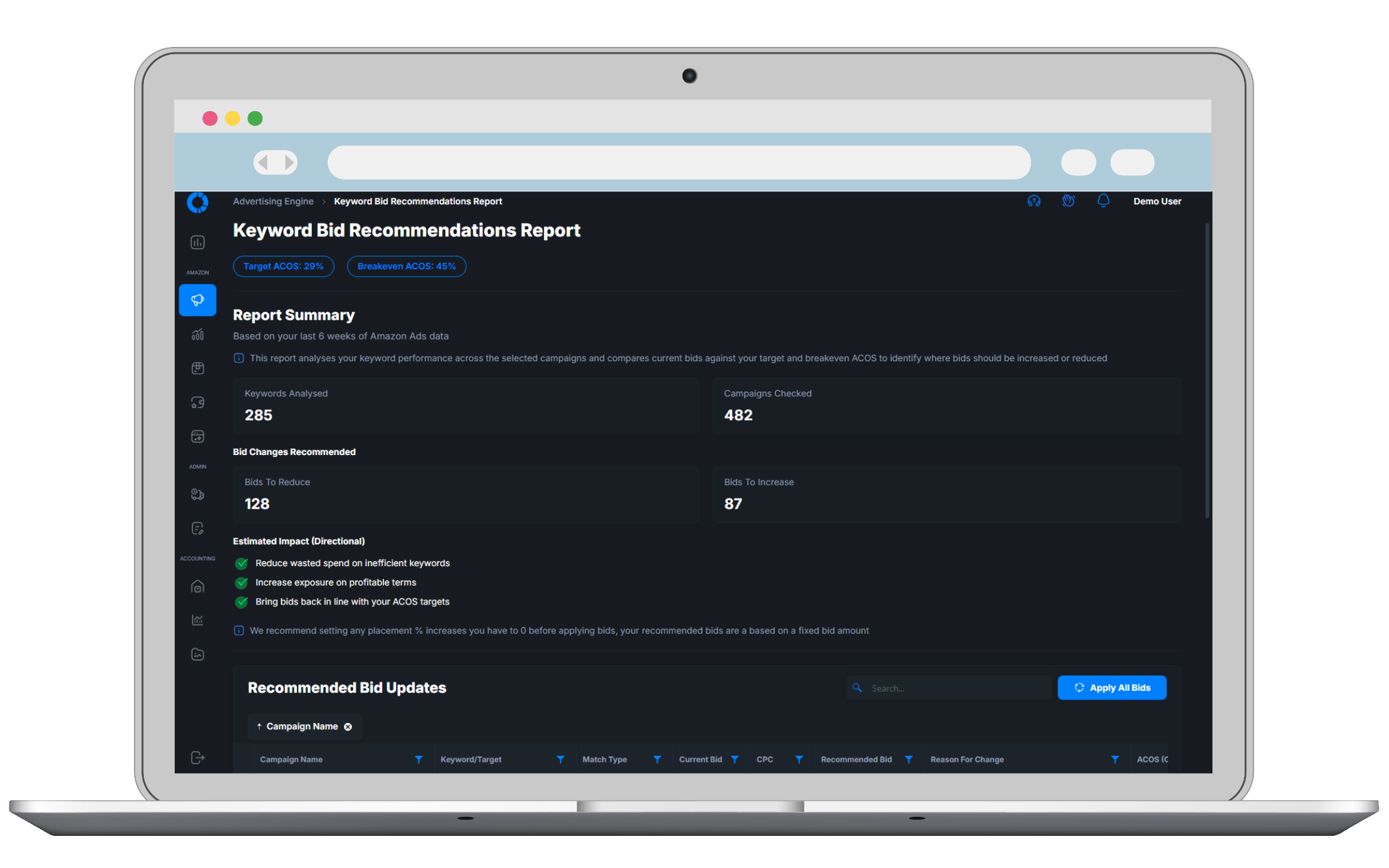
Keyword-level bid recommendations
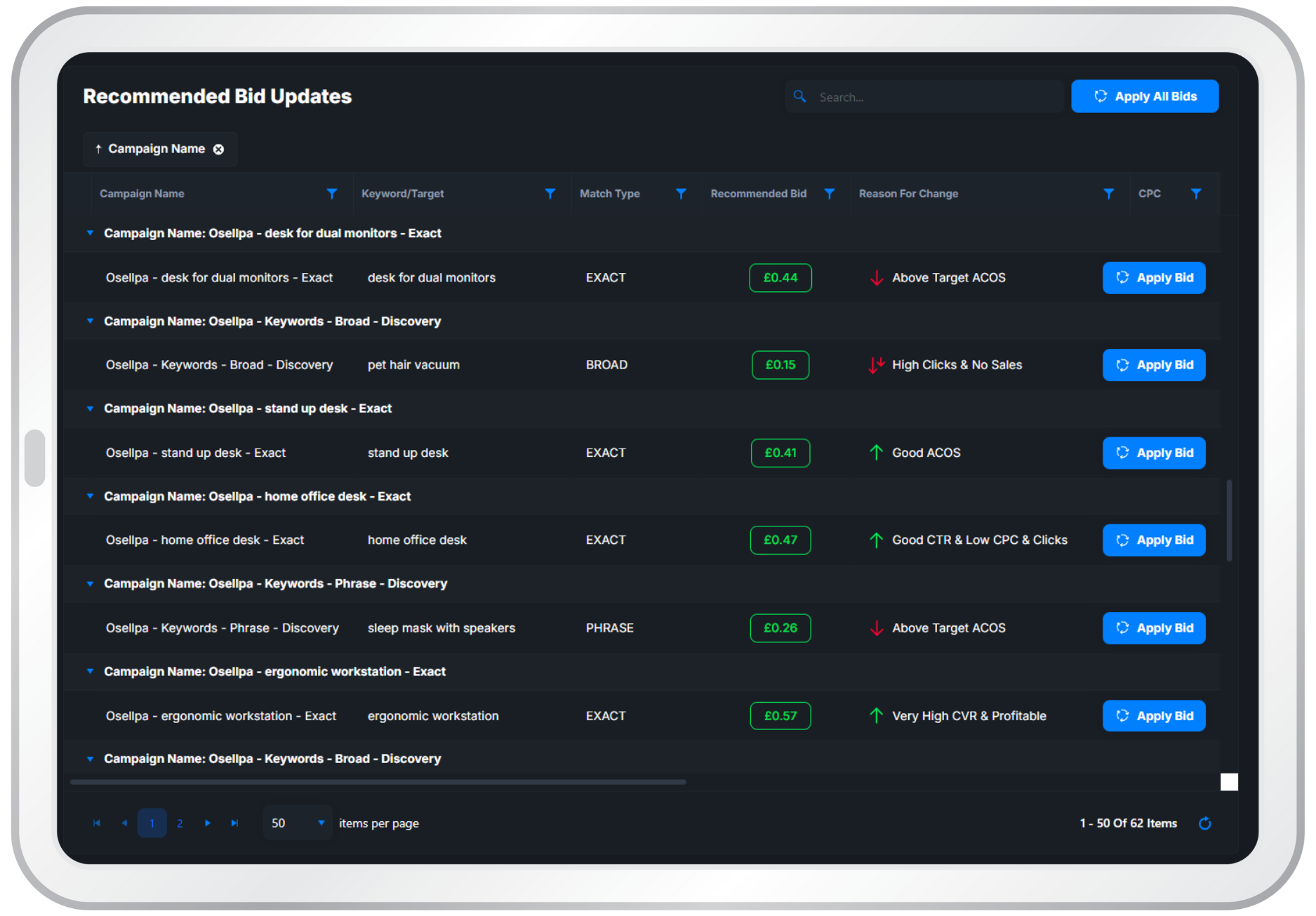
We analyse your real Amazon Ads performance at an keyword level. Each keyword is evaluated across spend, sales, conversion rate, CTR and additional signals to determine where bids should be adjusted. You receive clear, precise recommendations for every keyword that needs attention, showing exactly where to increase, decrease, or hold bids without relying on guesswork or Amazon’s generic suggestions
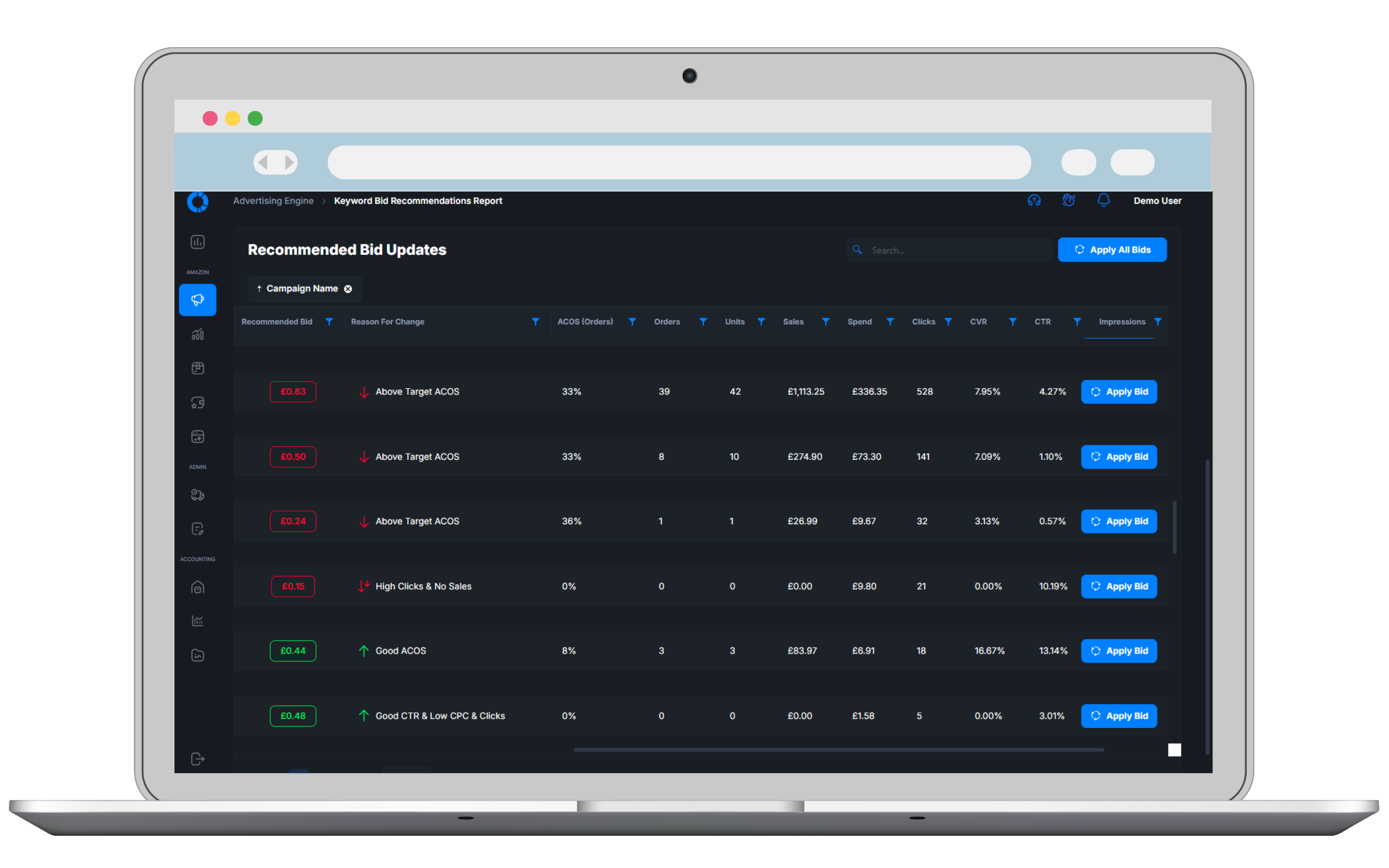
Clear reasons for every change
Every bid recommendation comes with a clear explanation of why it’s being suggested. We show the performance data behind each decision — such as spend, sales, ACOS, and conversion trends — so you can see exactly what’s driving the recommendation. That means no black boxes, no blind changes, and full confidence in why a bid should be increased, reduced, or left alone
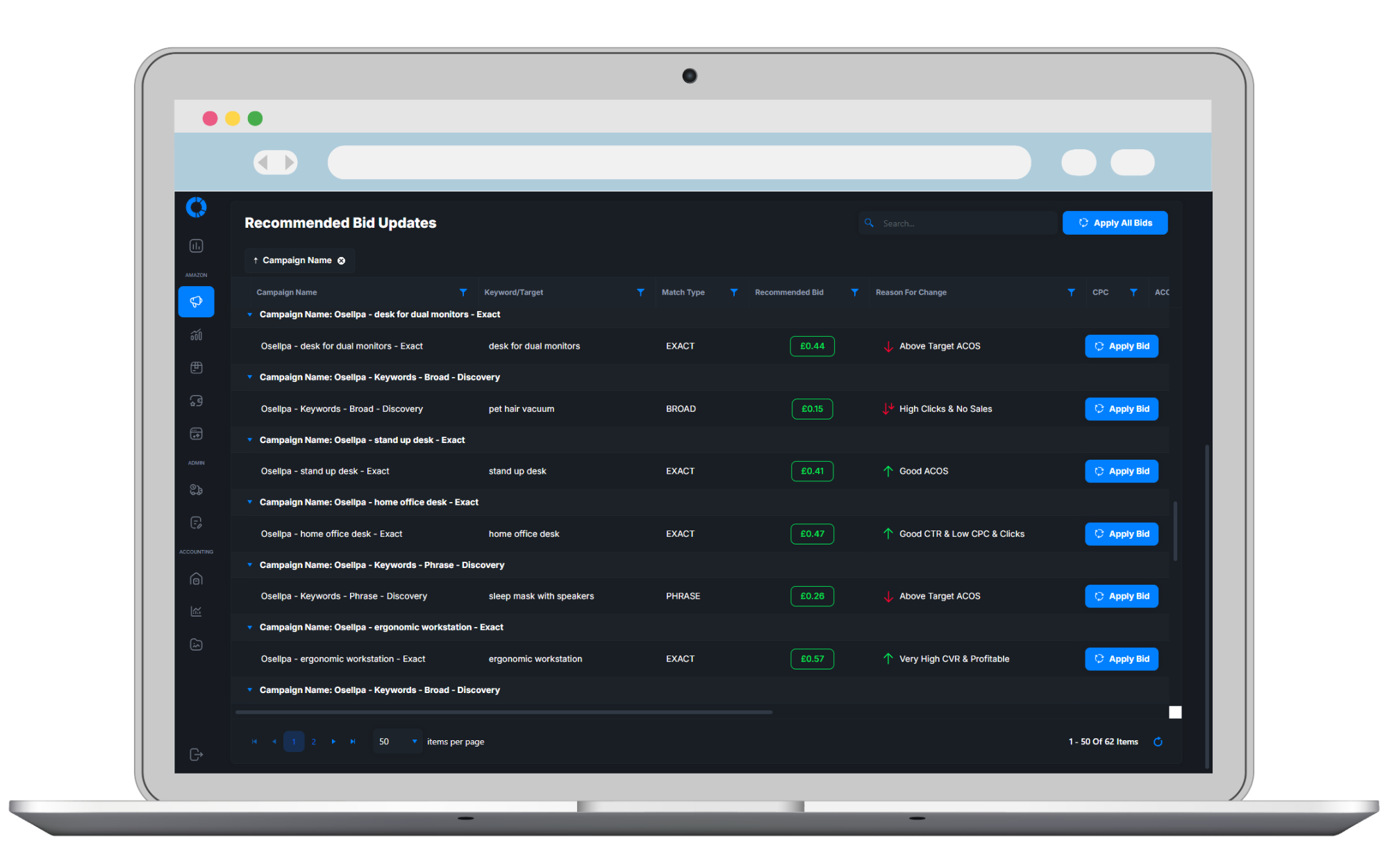
Apply bid updates directly (optional)
Once you’ve reviewed the recommendations, you can choose to apply bid updates directly to your Amazon Ads account — or leave them as guidance only. Nothing is changed without your approval. You stay in full control, deciding which recommendations to apply and when, while saving time on manual updates if you want a faster, smoother workflow
How It Works
From setup to more profitable ads in a few clicks
Connect You Amazon Ads Account
Securely link your Amazon Ads account. Osellpa syncs your data automatically
Set Target ACOS
Set your target ACOS and choose which campaigns to target so that Osellpa can tailor your recommendations to your goals
Exact Bid Recommendations
Get clear bid recommendations, all geared towards reducing wasted spend and increasing sales, for each of your keywords
Frequently Asked Questions
Clear answers about how this Osellpa tool works, what it needs and where you stay in control.
Explore Osellpa's Other Tools
The full suite of Osellpa tools is included as standard, no add-ons required
Clear Profit Tracking & Performance Analytics
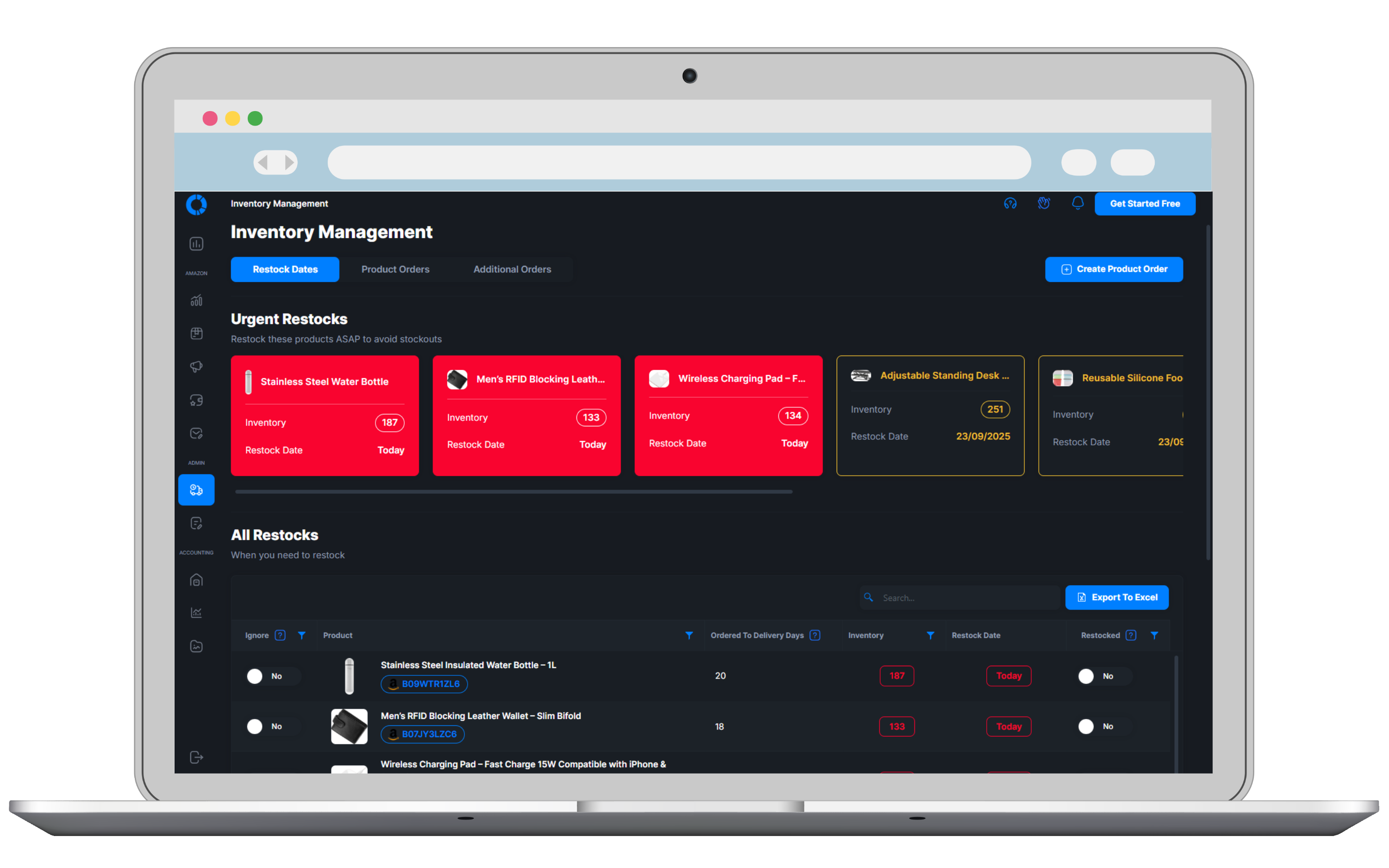
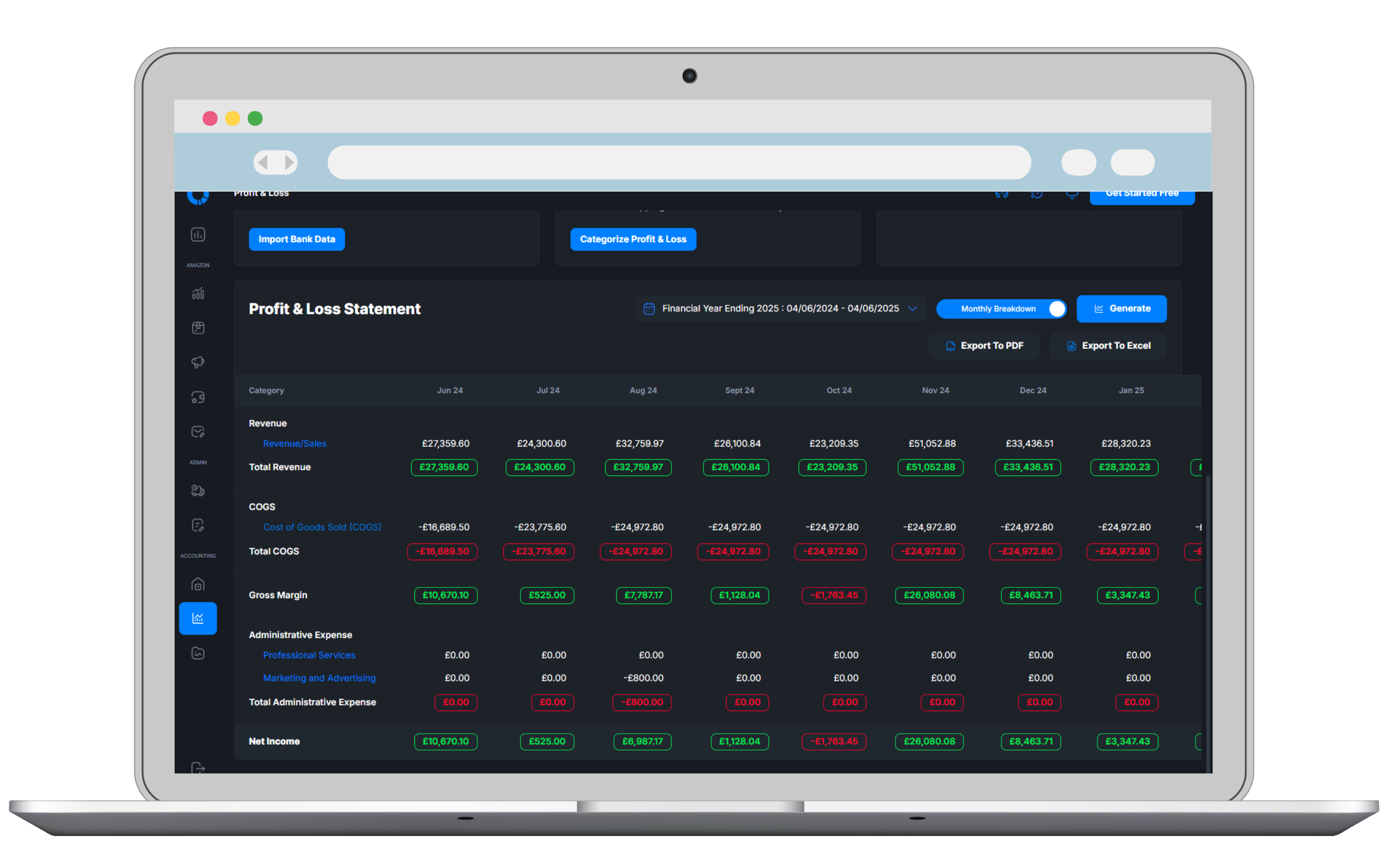
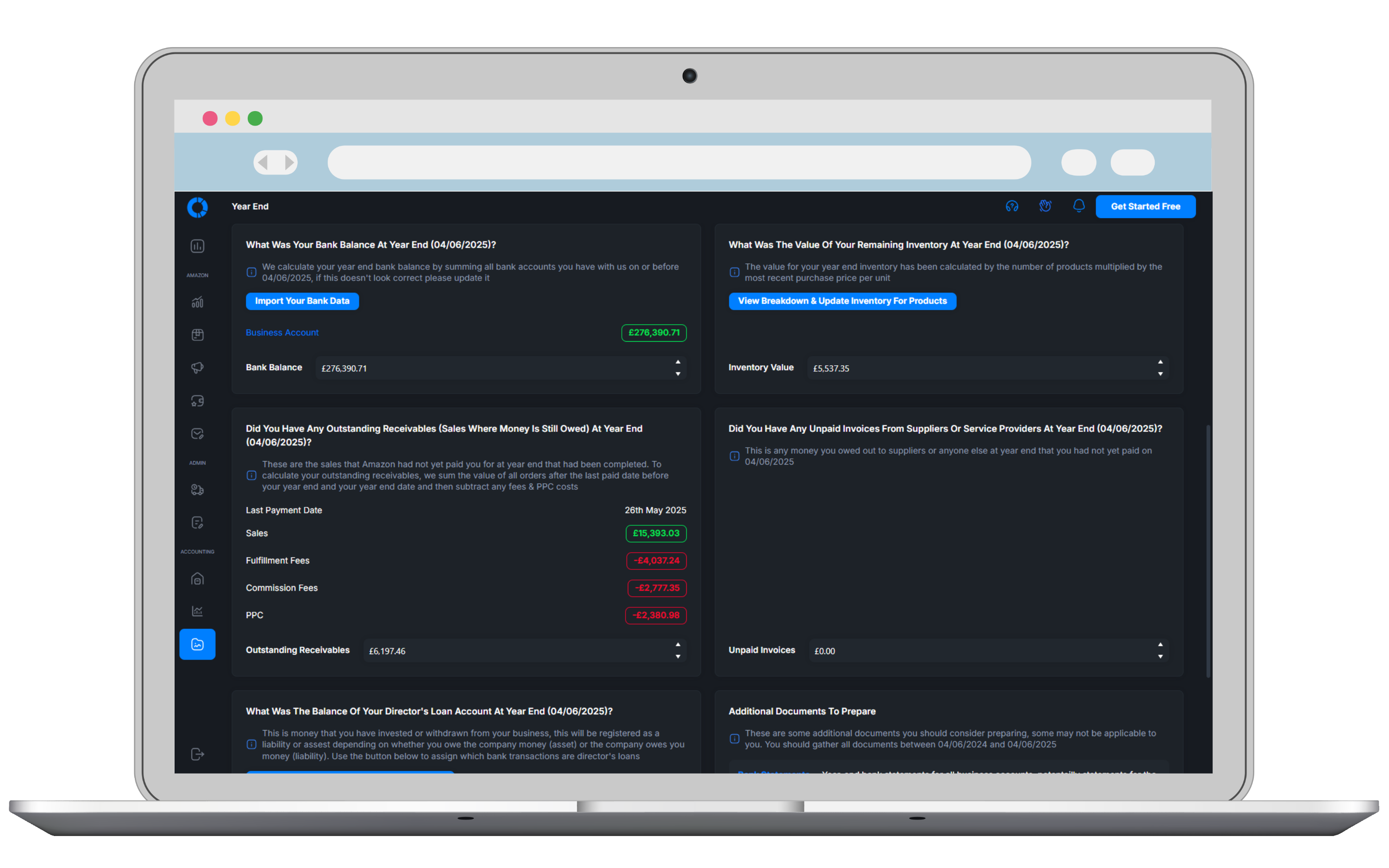
See your profit at a glance, the automations running for you and the products that need attention. Open a breakdown, check upcoming restocks and follow your next steps from one connected dashboard

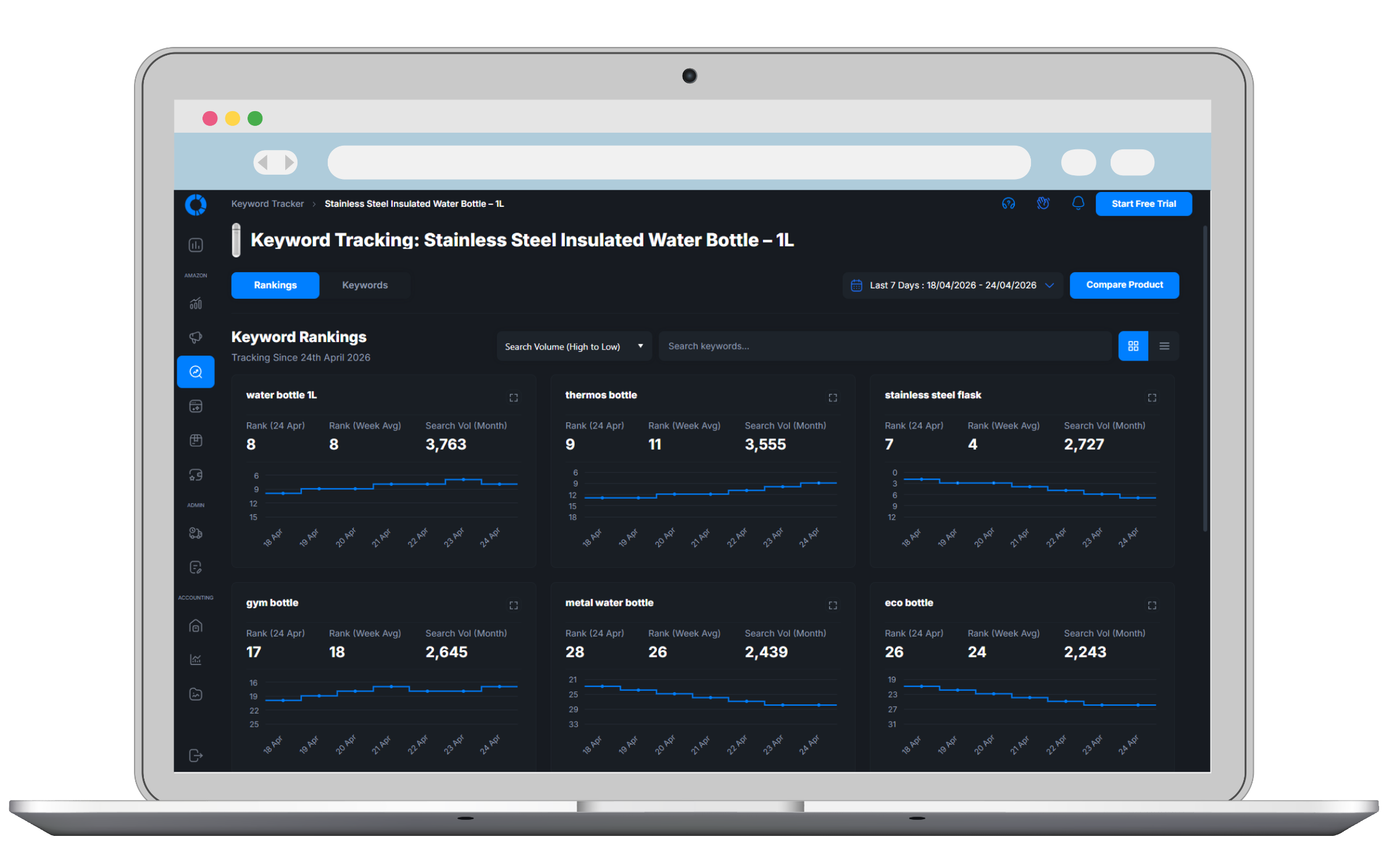
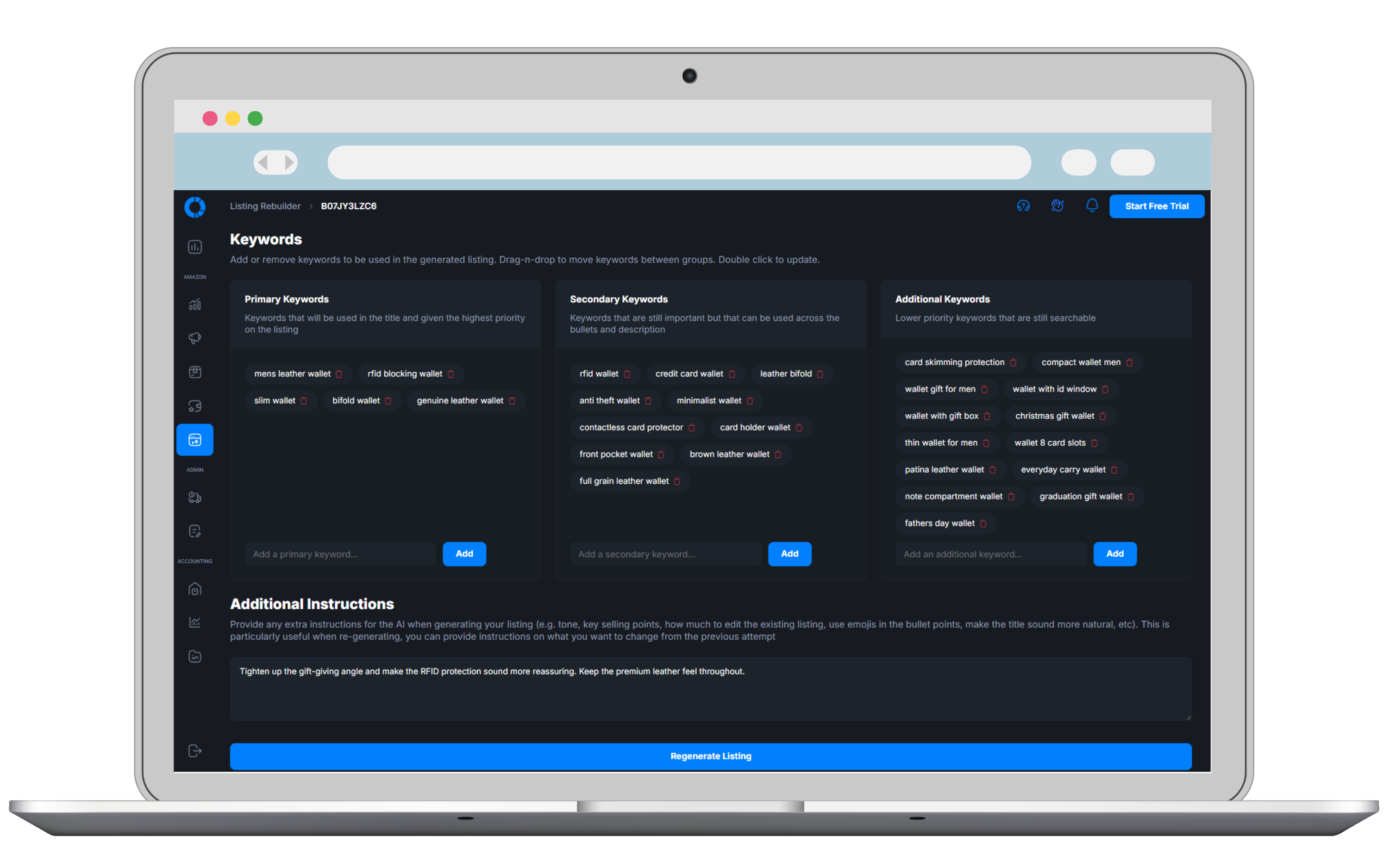
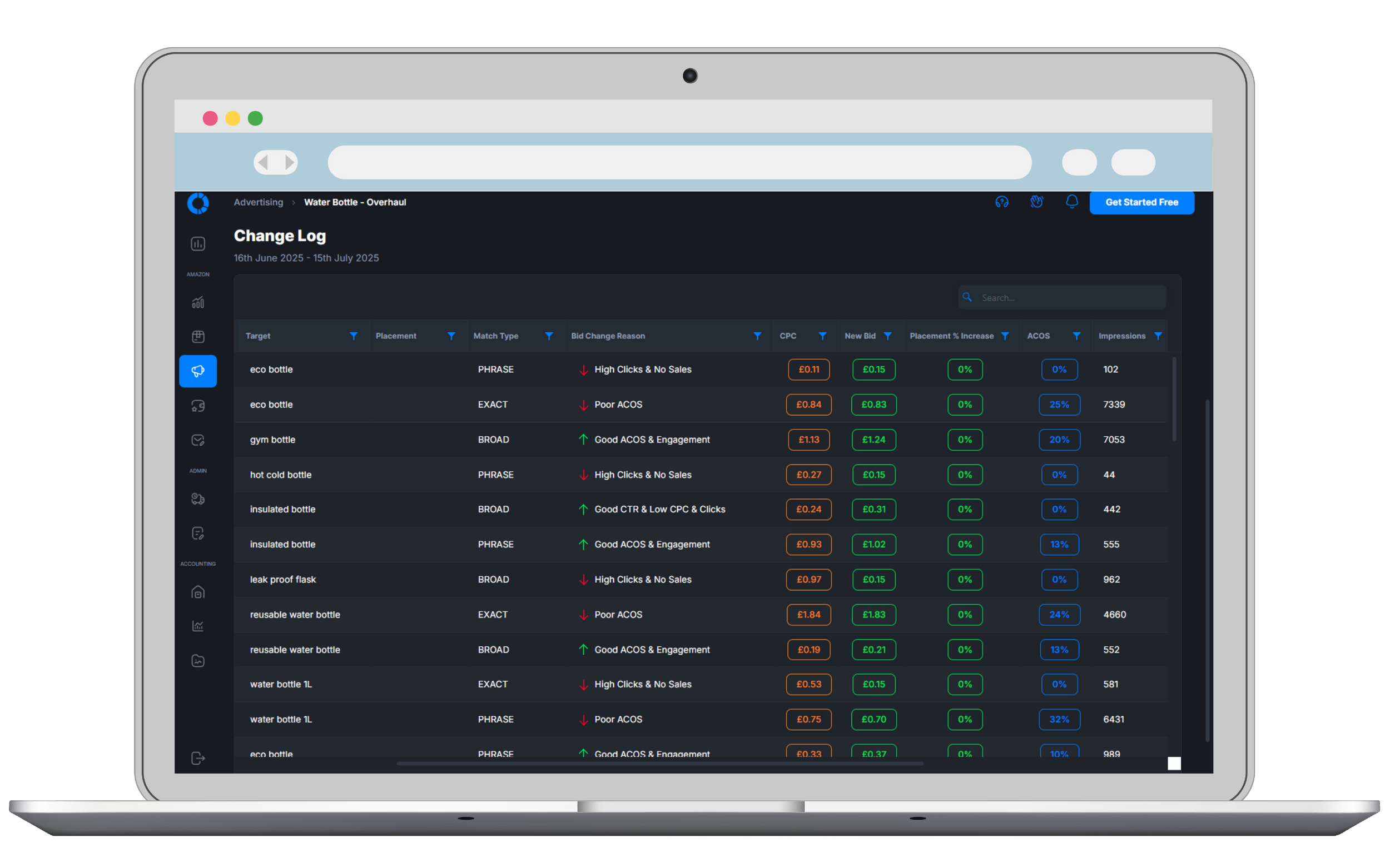

See The Whole Story For Yourself.
Open a preloaded Osellpa account and follow the same connected data from profit and PPC through keyword rankings, listings and stock.
Explore The Demo Account No setup or Amazon connection requiredTry Osellpa Free For 30 Days
Every feature. Every plan. No credit card required
Choose the plan that matches your current Amazon sales. You can upgrade or downgrade anytime.
 Full access to every Osellpa tool
Unlimited users
Unlimited products
Full access to every Osellpa tool
Unlimited users
Unlimited products
Full access to every Osellpa tool
Unlimited users
Unlimited products
Full access to every Osellpa tool
Unlimited users
Unlimited products
Full access to every Osellpa tool
Unlimited users
Unlimited products
Full access to every Osellpa tool
Unlimited users
Unlimited products
All plans include every tool. No hidden fees. Cancel anytime.
The capability of a much larger software stack, priced to make sense while you grow.