Import bank transactions, categorise income and expenses, and create clear profit and loss statements for your Amazon business.

Understand Your Business’s Finances
Every business needs to understand exactly where there money is going
What Is A Profit & Loss Statement?
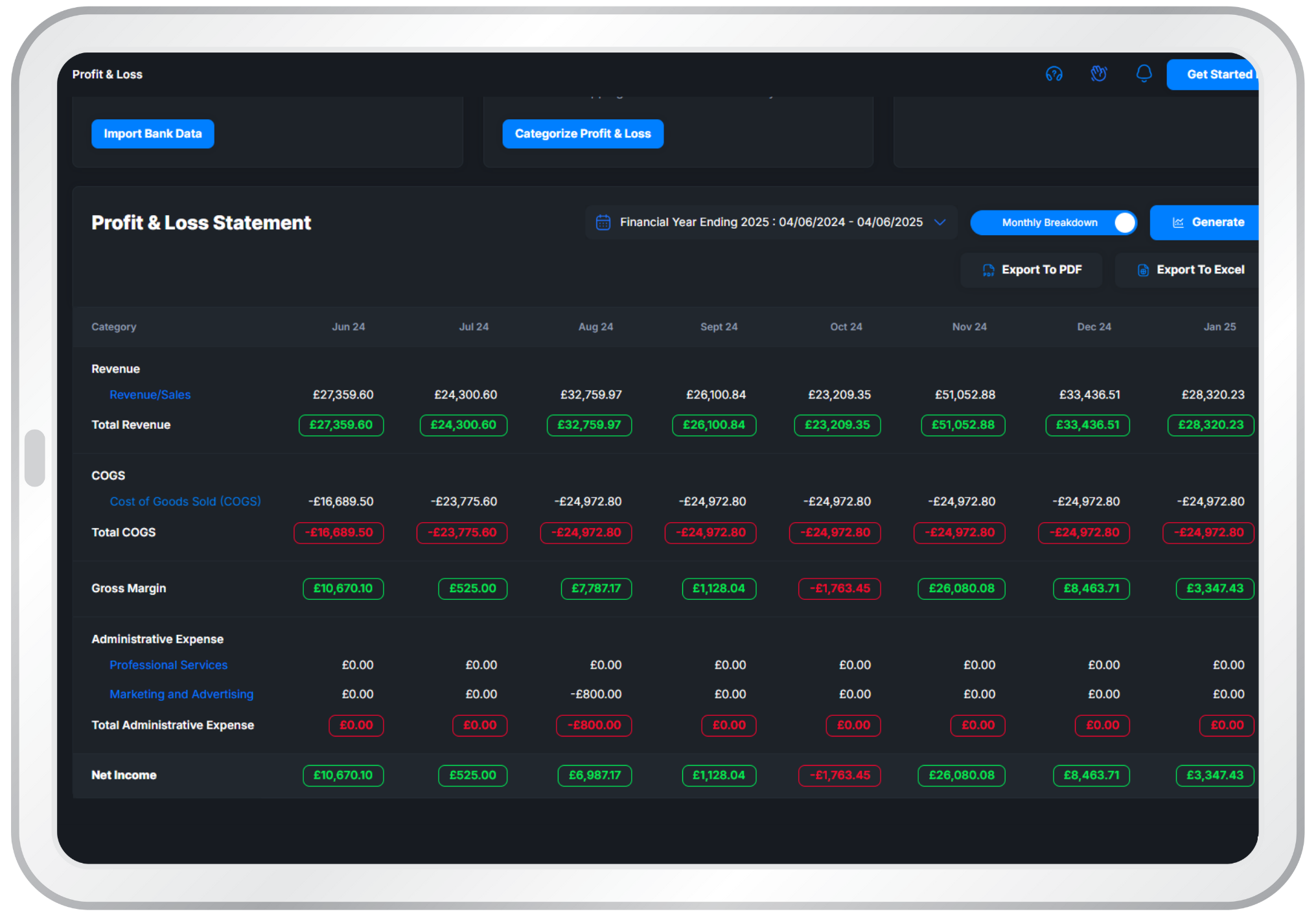
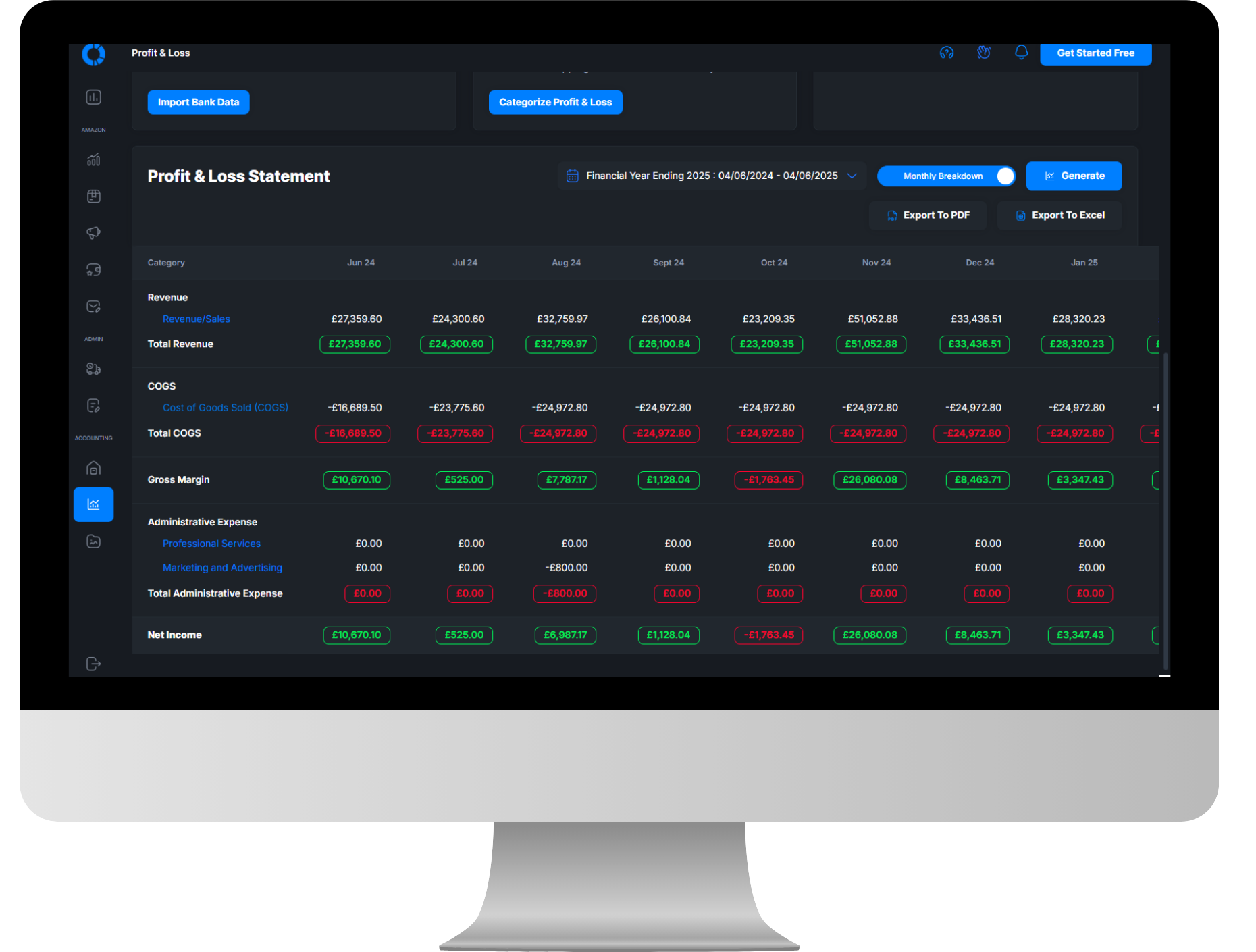
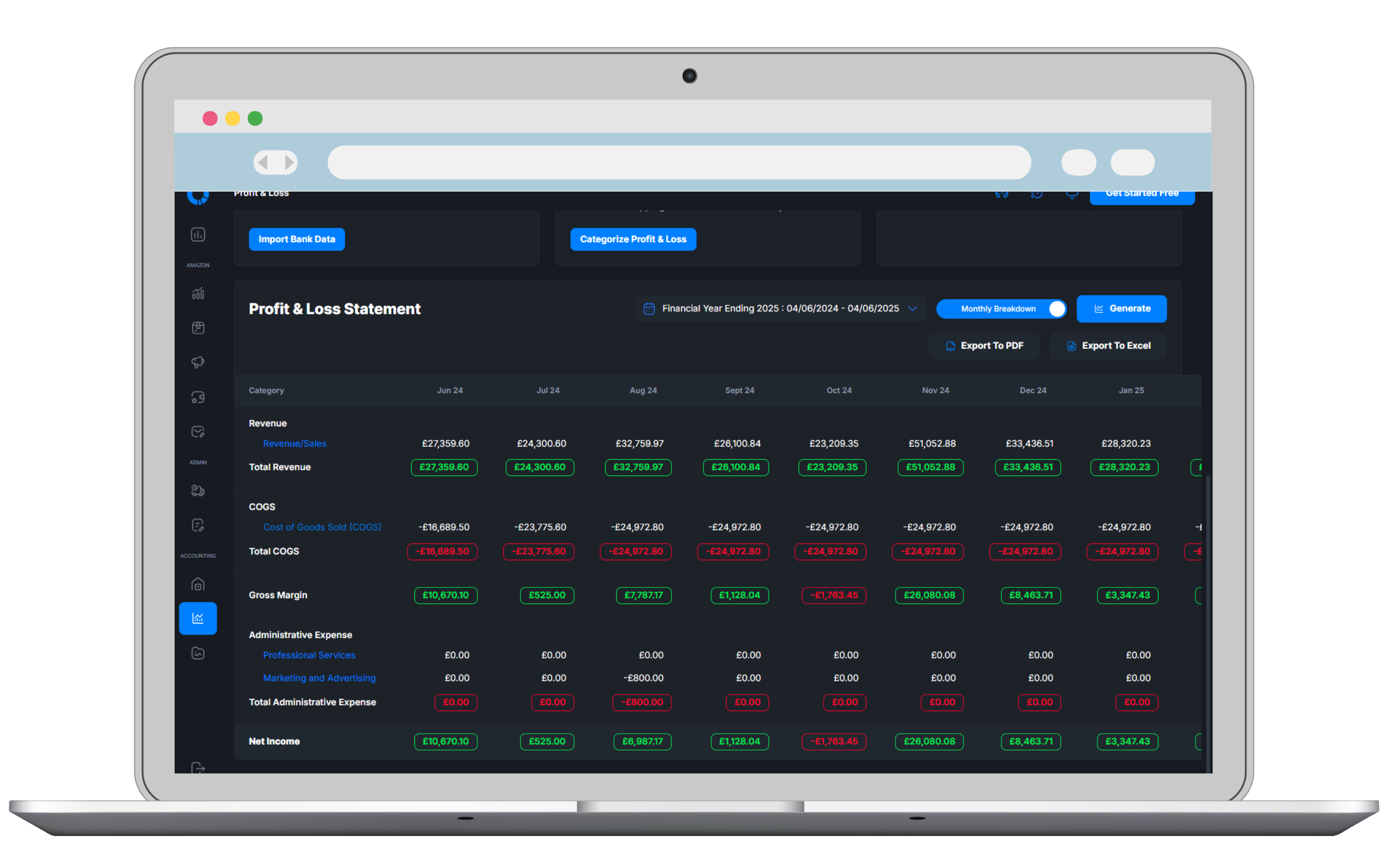
A Profit & Loss (P&L), also called an income statement, shows how much money your business earned, spent, and kept over a period (a month, quarter, or year). It's used to control costs, plan cash, and measure performance. It gives you a full outline of exactly how your business is performing when it comes to what matters most in business, how much money you're making
What Does It Allow You To Do?
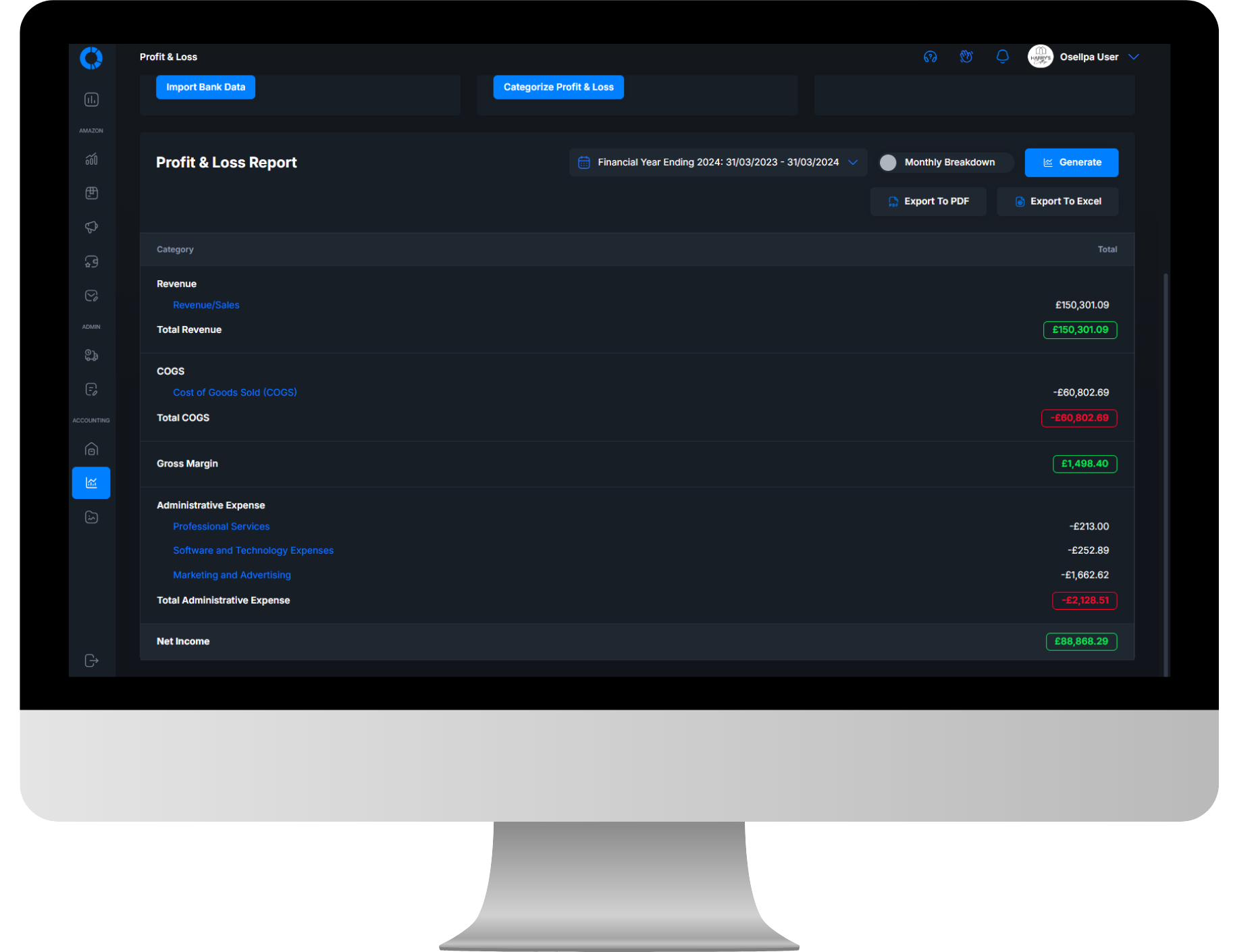
When you have a clear view of how your business is performing, it enables you to make better decisions. You can see where most of your money is being spent and how it's whittling down your profit margin. Basically it enables you to identify areas where you're overspending and that you need to cut back costs to increase profit. It's also incredibly helpful to be able to see month to month whether you did or didn't turn a profit
How Osellpa Makes It Easy For You
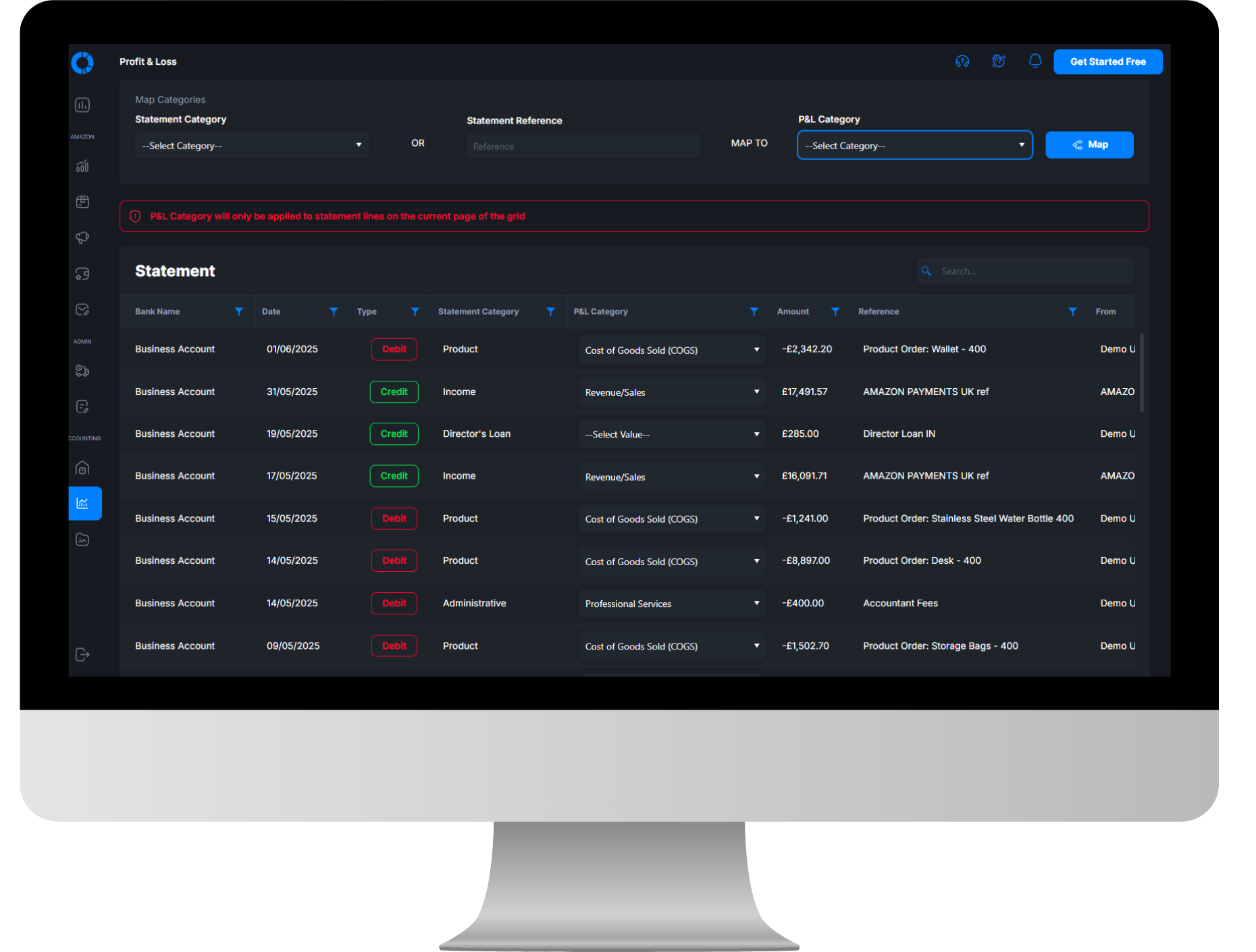
First, Osellpa allows you to import your bank statements from multiple accounts via CSV. Then, using it's categorisation tool, Osellpa helps you to categorise each statement line into the correct place. Osellpa has different tools that allow you do to this much more quickly than you would be able to manually. Finally, once done, Osellpa automatically sorts the data into whatever date range you choose and displays it to you with all statement lines viewable under each category. You can also attach invoices directly to statement lines so that you can keep your finances well organised
See The Whole Story For Yourself.
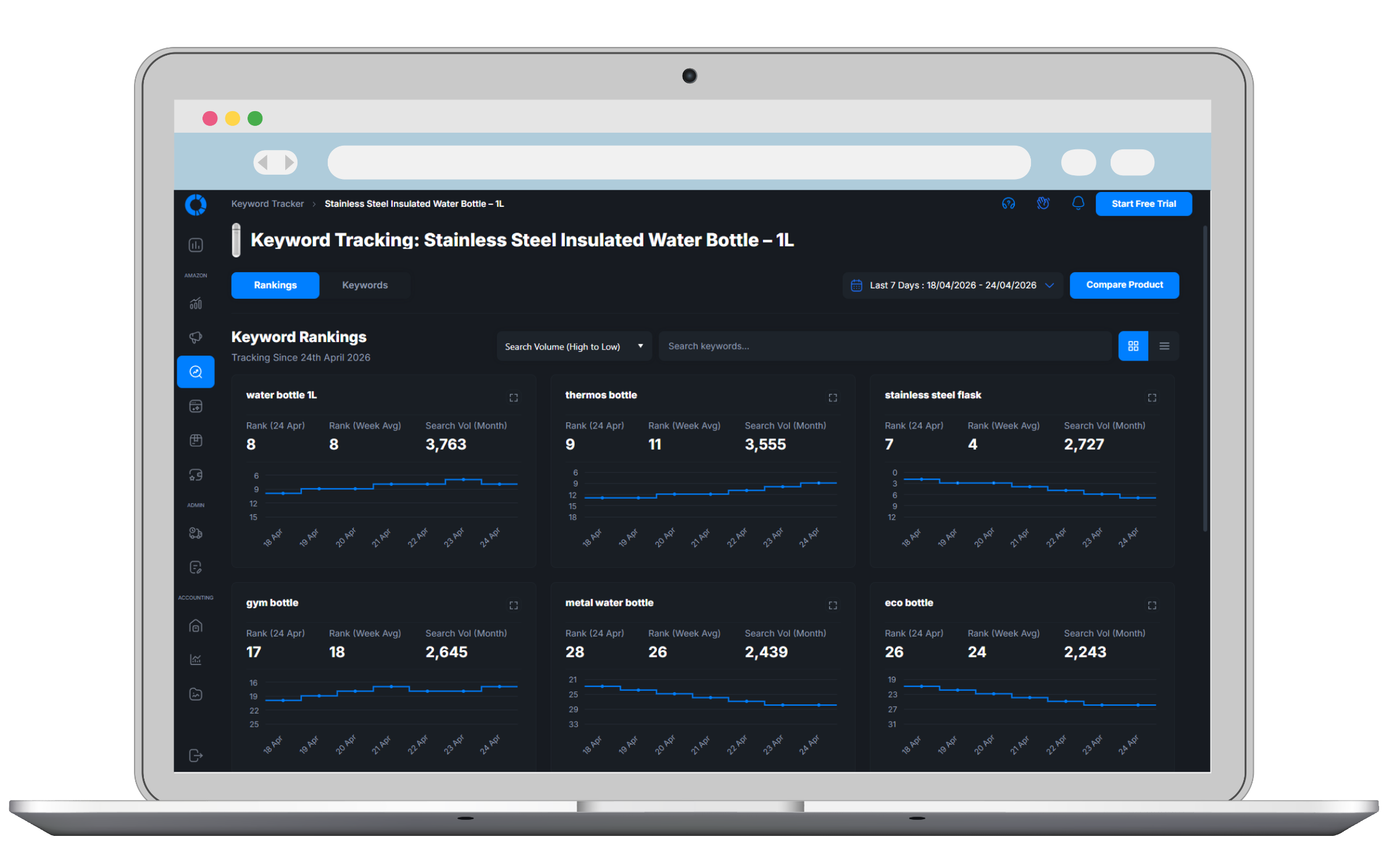
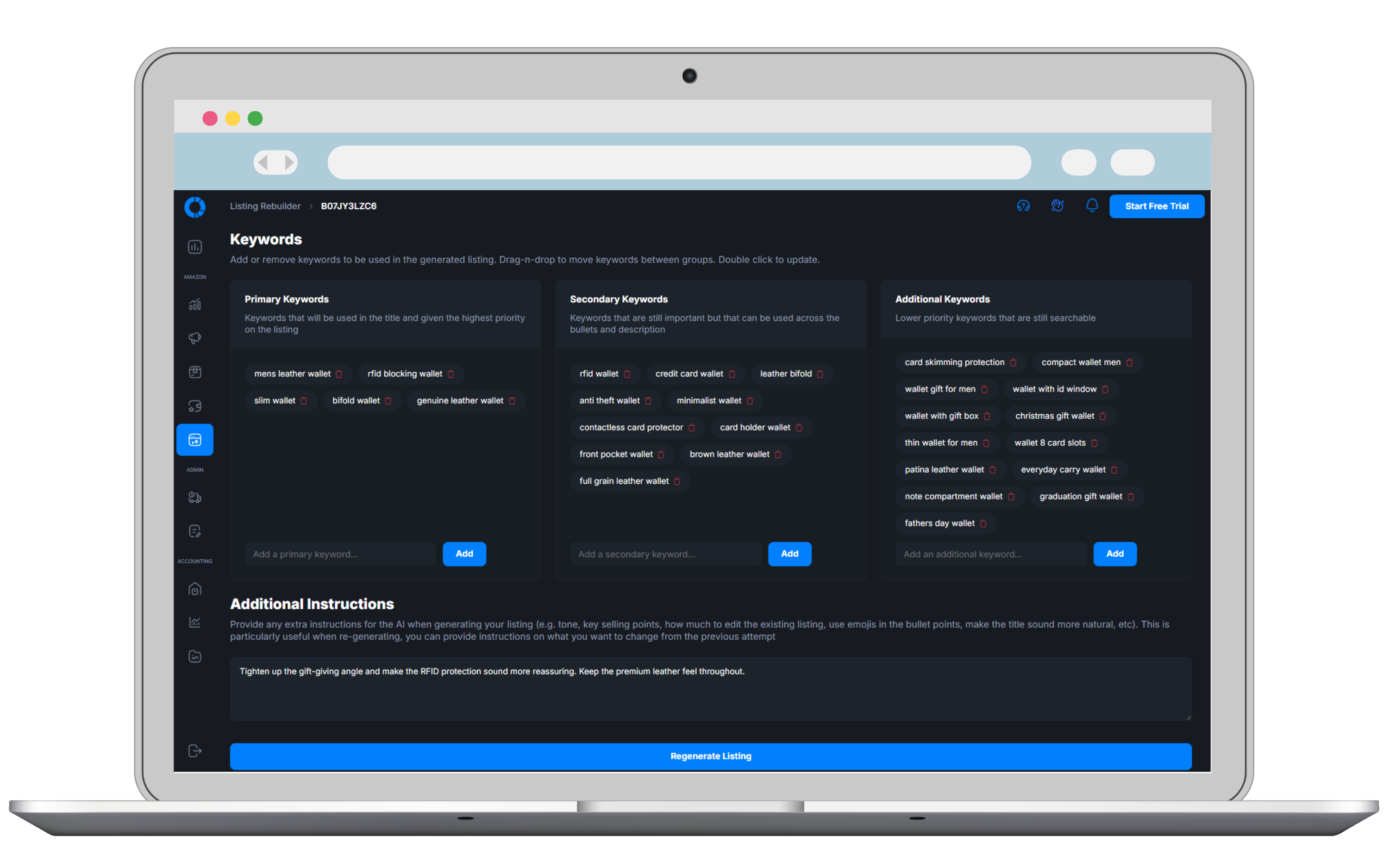
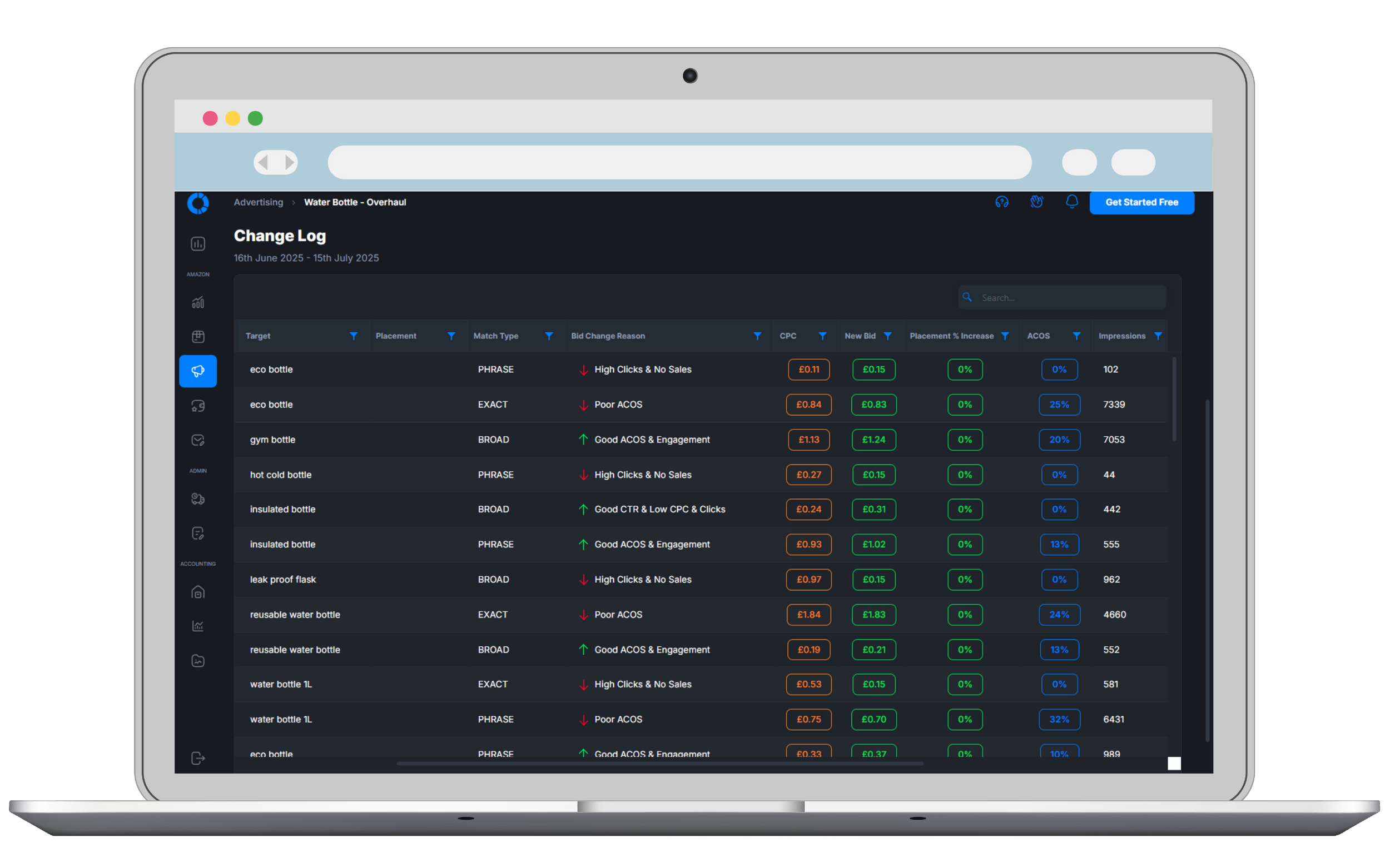
Open a preloaded Osellpa account and follow the same connected data from profit and PPC through keyword rankings, listings and stock.
Explore The Demo Account No setup or Amazon connection requiredGetting Started Takes Seconds
Start creating P&L's in 3 simple steps
Sign Up
Start your 30 day free trial
Import
Import your bank statements via CSV
Create
Start categorising your statements using Osellpa's tools and create your P&L statement
Frequently Asked Questions
Clear answers about how this Osellpa tool works, what it needs and where you stay in control.
Explore Osellpa's Other Tools
The full suite of Osellpa tools is included as standard, no add-ons required
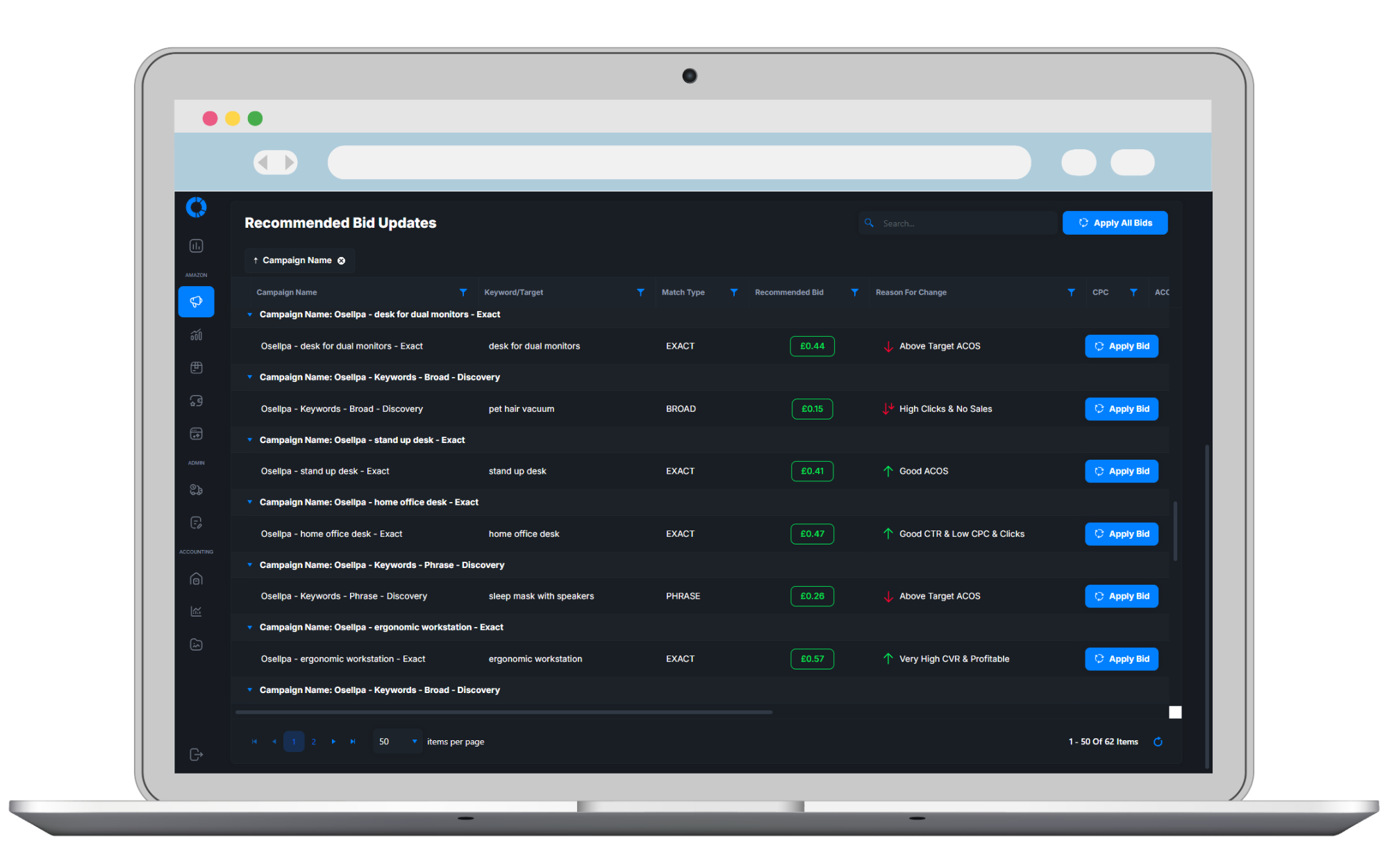
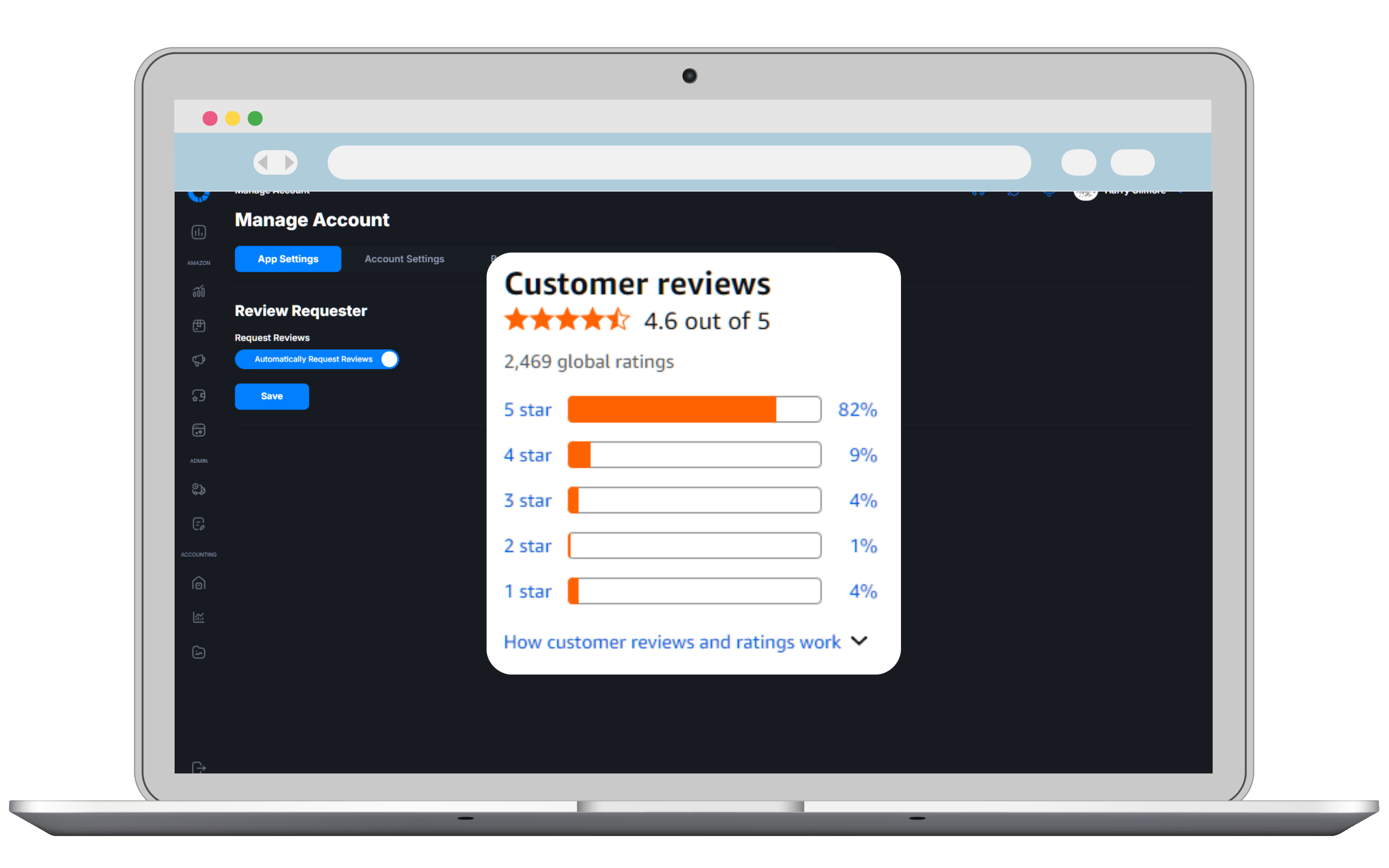
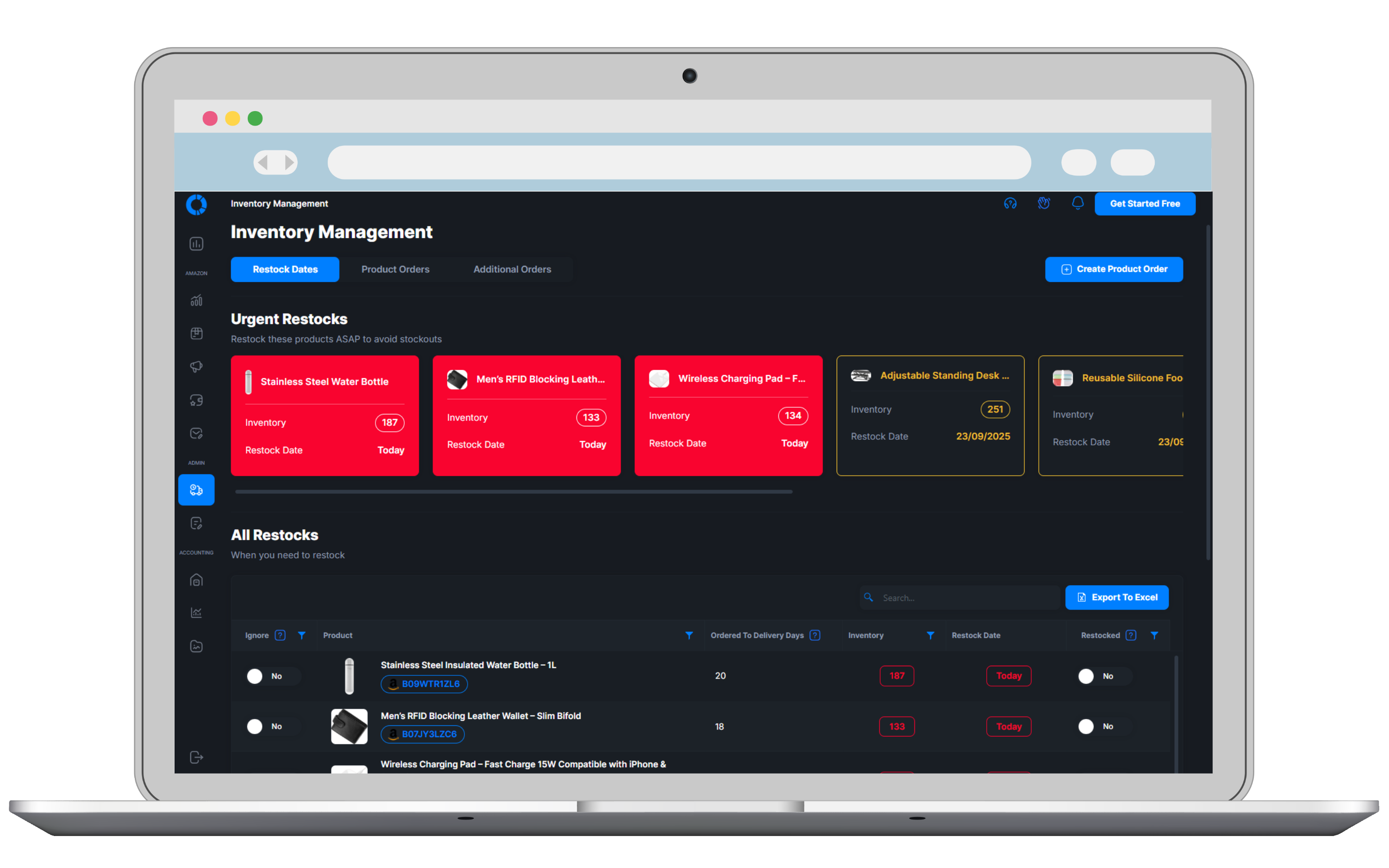
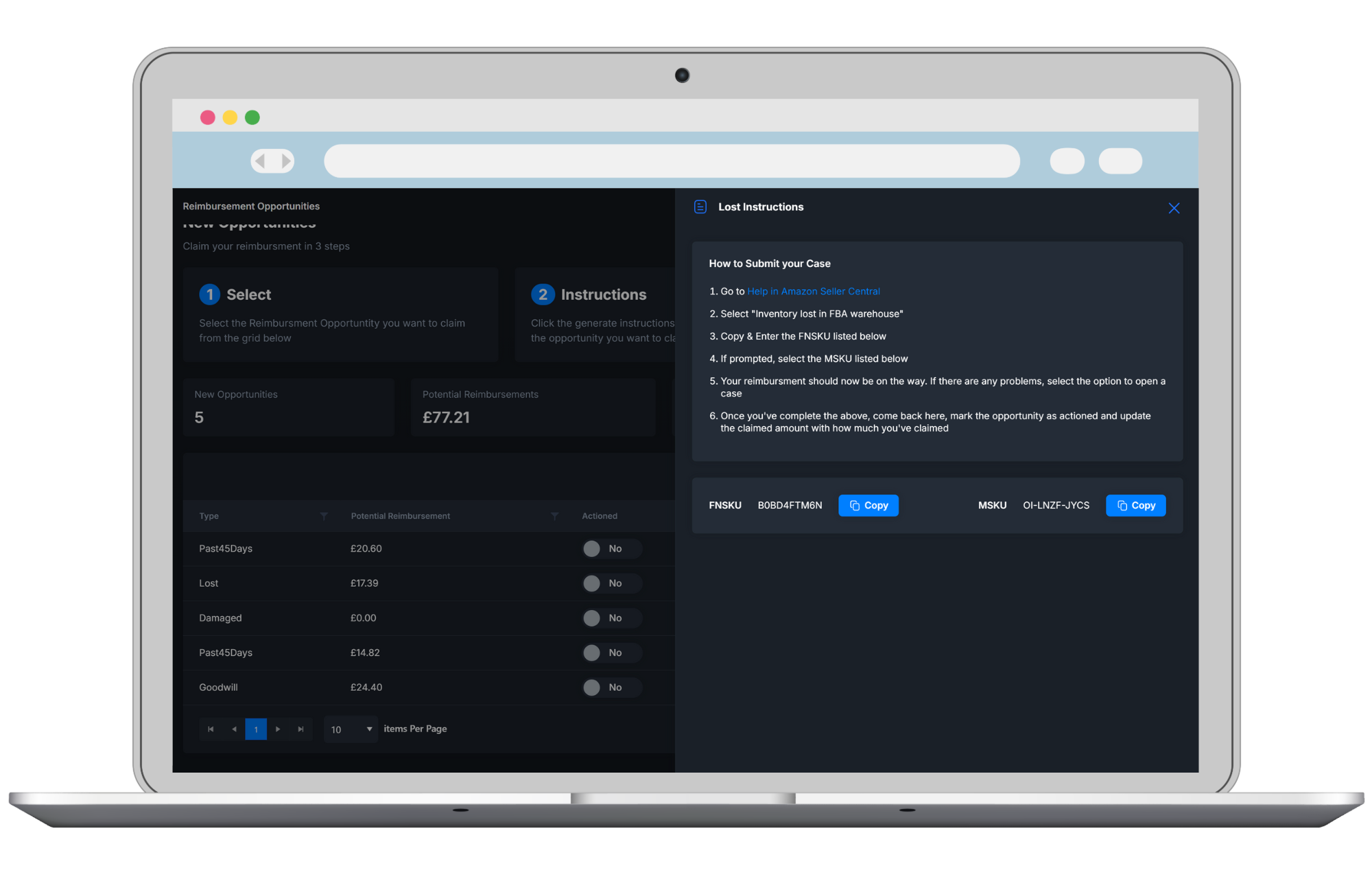
Clear Profit Tracking & Performance Analytics
See your profit at a glance, the automations running for you and the products that need attention. Open a breakdown, check upcoming restocks and follow your next steps from one connected dashboard



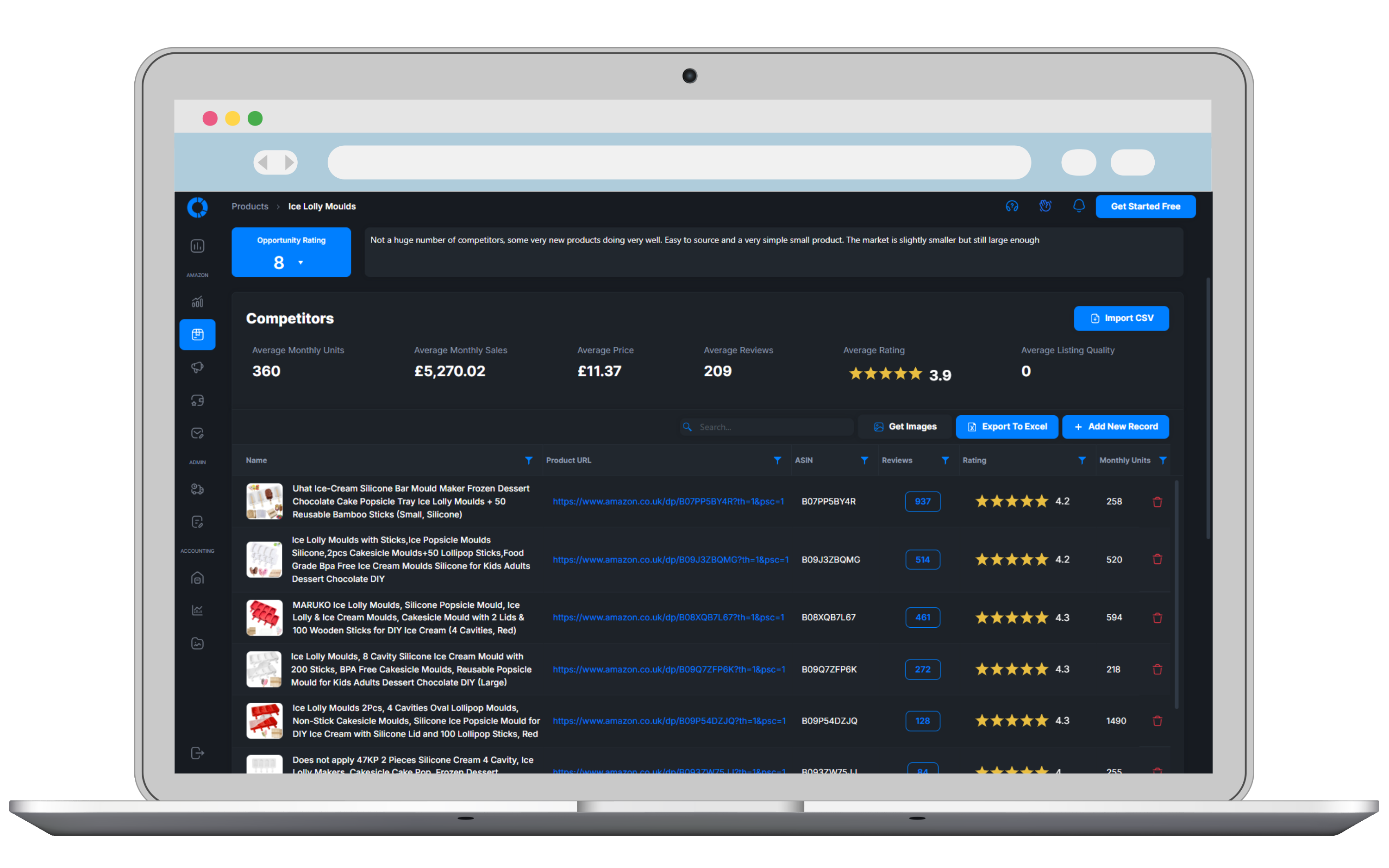
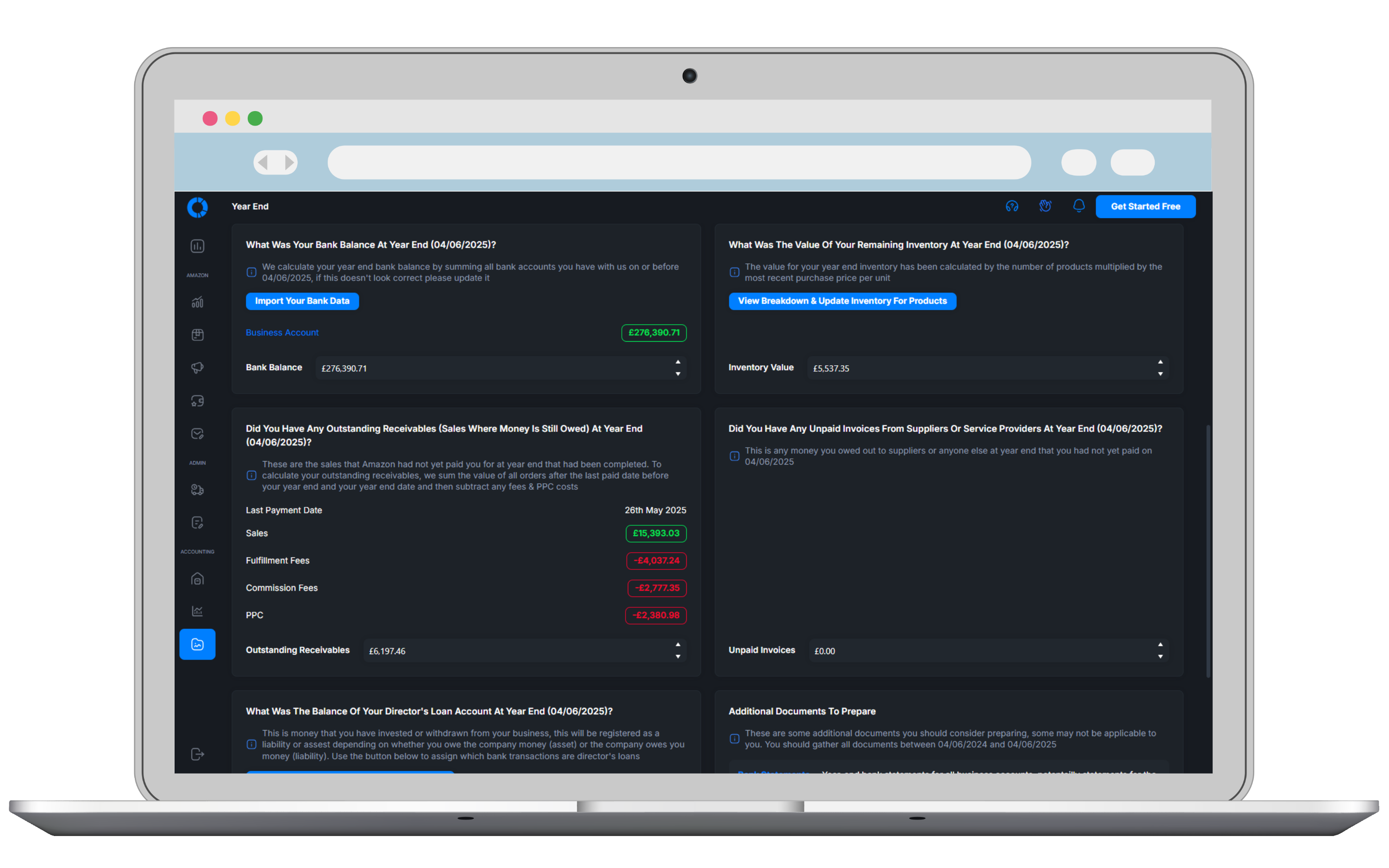
Try Osellpa Free For 30 Days
Every feature. Every plan. No credit card required
Choose the plan that matches your current Amazon sales. You can upgrade or downgrade anytime.
 Full access to every Osellpa tool
Unlimited users
Unlimited products
Full access to every Osellpa tool
Unlimited users
Unlimited products
Full access to every Osellpa tool
Unlimited users
Unlimited products
Full access to every Osellpa tool
Unlimited users
Unlimited products
Full access to every Osellpa tool
Unlimited users
Unlimited products
Full access to every Osellpa tool
Unlimited users
Unlimited products
All plans include every tool. No hidden fees. Cancel anytime.
The capability of a much larger software stack, priced to make sense while you grow.